nbprint v0.13.1
nbprint v0.13.1
  • Background
  • Gallery
  • Architecture
  • Configuration
  • API Reference
    • nbprint.config.core.Configuration
    • nbprint.config.core.Parameters
    • nbprint.config.core.Context
    • nbprint.config.core.Page
    • nbprint.config.core.Outputs
    • nbprint.config.content.Content
    • nbprint.cli.run
    • nbprint.cli.hydra
    • nbprint.cli.hydra_explain
    • nbprint.config.hydra.load_config
    • nbprint.config.core.PapermillParameters
    • nbprint.config.content.ContentCode
    • nbprint.config.content.ContentMarkdown
    • nbprint.config.content.ContentImage
    • nbprint.config.content.ContentTableOfContents
    • nbprint.config.content.ContentLayout
    • nbprint.config.content.ContentInlineLayout
    • nbprint.config.content.ContentFlexColumnLayout
    • nbprint.config.content.ContentFlexRowLayout
    • nbprint.config.content.ContentPageBreak
    • nbprint.config.outputs.NBConvertOutputs
    • nbprint.config.outputs.PDFOutputs
    • nbprint.config.outputs.NotebookOutputs
    • nbprint.config.outputs.HTMLOutputs
    • nbprint.config.outputs.WebHTMLOutputs
    • nbprint.config.outputs.NBConvertShortCircuitOutputs
    • nbprint.config.outputs.EmailOutputs
    • nbprint.config.outputs.SMTP
    • nbprint.models.LoggingConfig
    • nbprint.models.PandasDisplayConfiguration
    • nbprint.models.PlotlyRendererConfiguration
    • nbprint.models.SeabornDisplayConfiguration
  • YAML reports
  • Notebook reports

Gallery

Each preview below is the first page of an example in examples/, rendered with nbprint <example> ++outputs.target=html. Click a preview to open the full report. The HTML is the same file nbprint writes locally: your browser runs the pagination, so you can scroll through every page, inspect the DOM, or print it to PDF.

YAML reports

These are built entirely from a YAML configuration.

basic example, first page
basic: title page, table of contents, and code-generated content. source
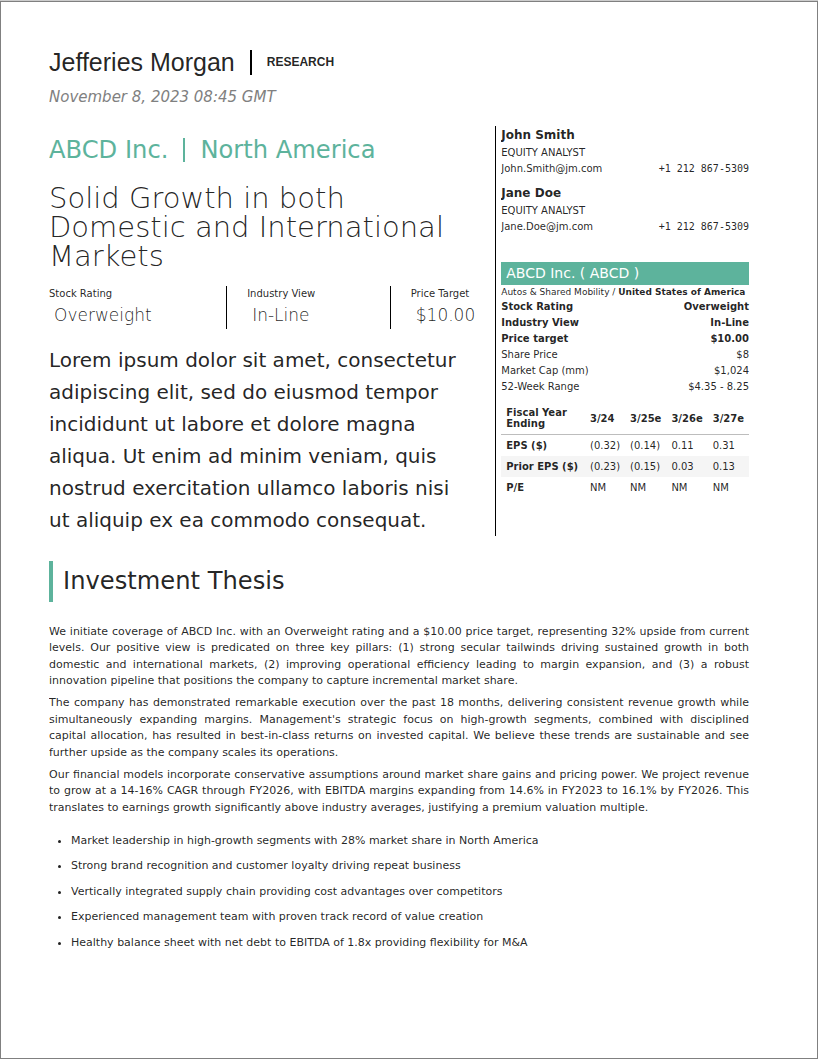
finance example, first page
finance: an equity research note with a ratings sidebar. source
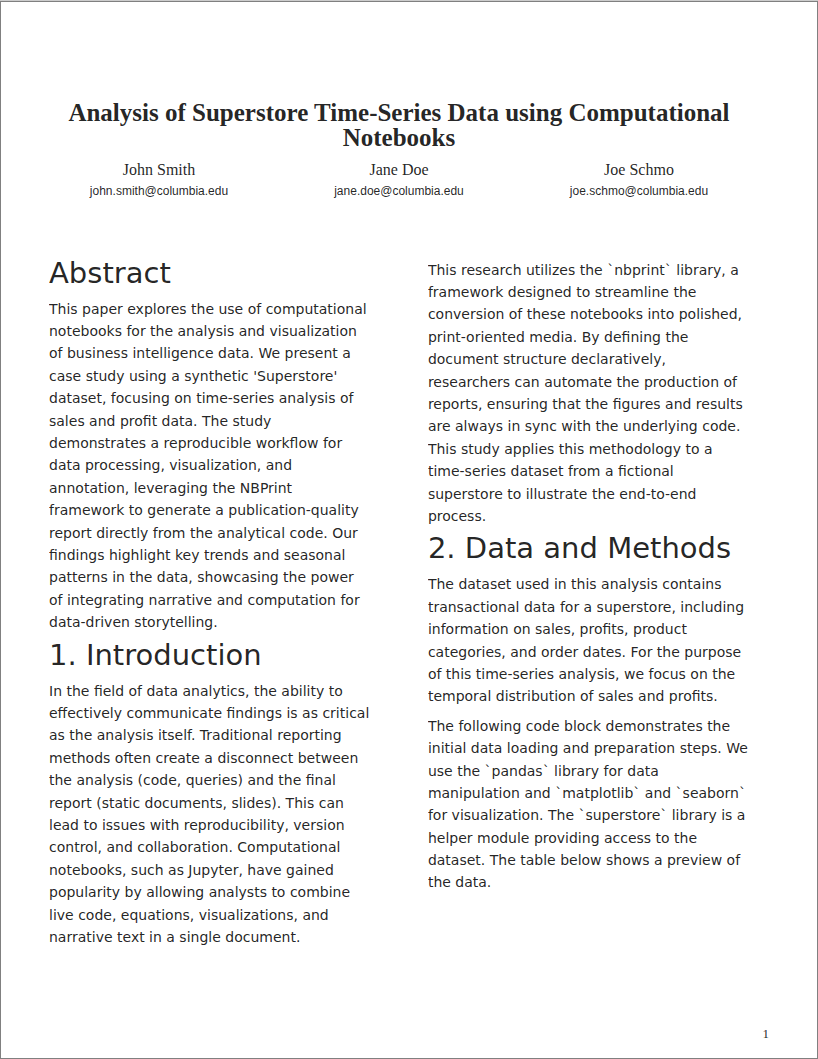
research example, first page
research: a two-column academic paper with authors and abstract. source
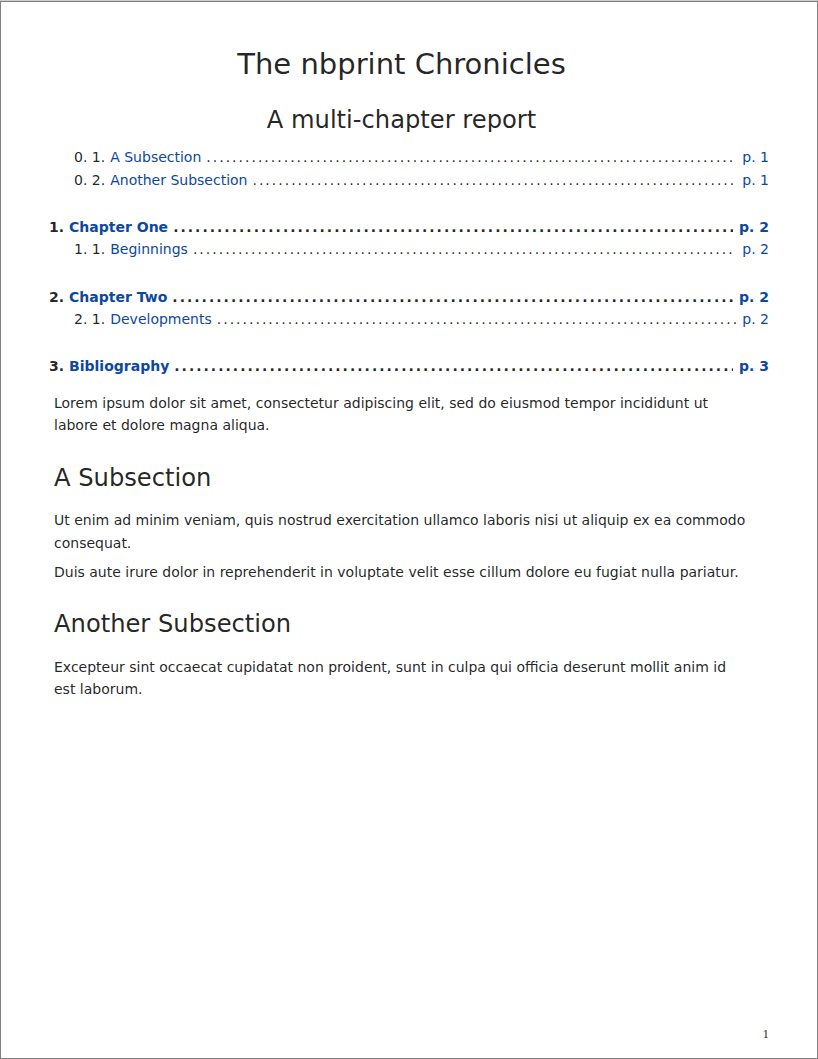
chapters example, first page
chapters: a multi-chapter book with a nested table of contents. source
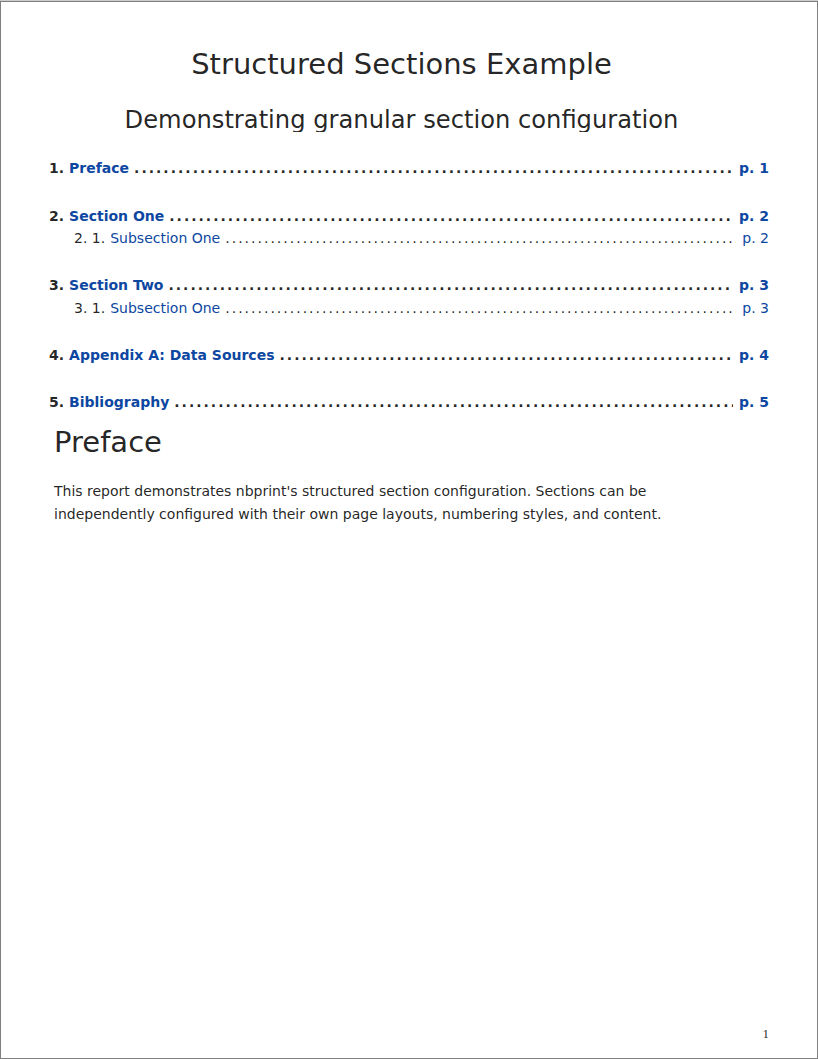
sections example, first page
sections: front, middle and back matter with per-section numbering. source
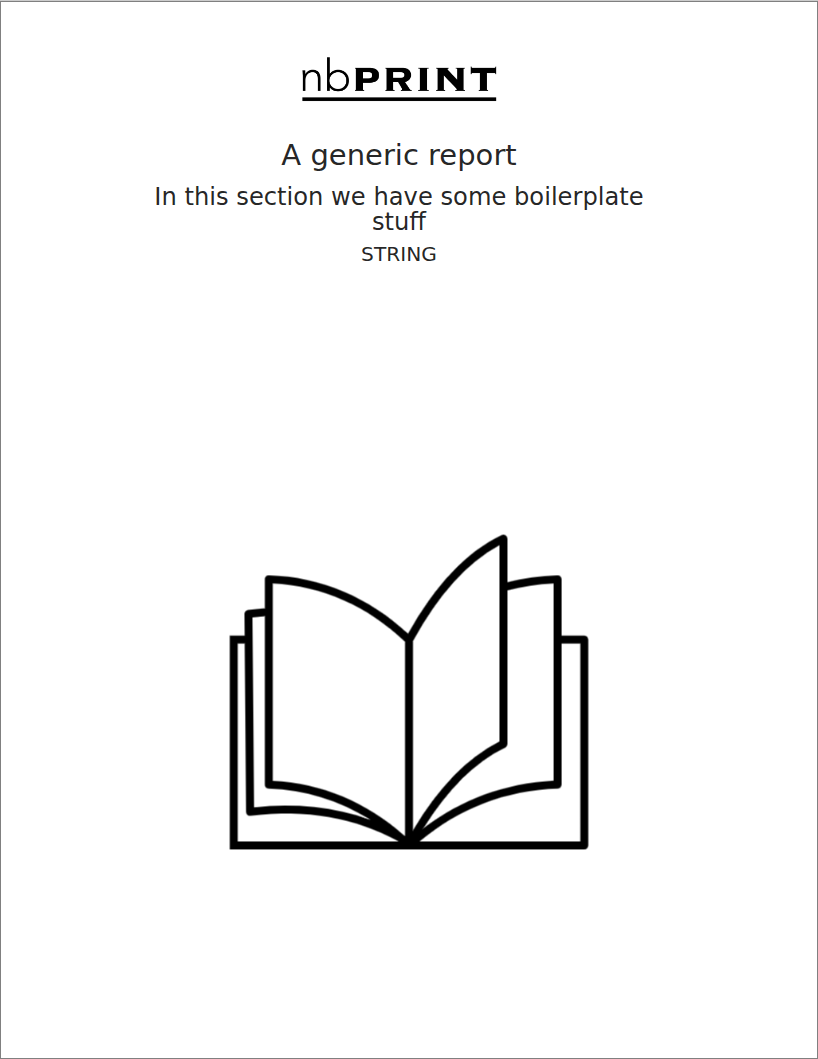
inline example, first page
inline: a cover page, footer logo and page counter from a custom page model. source
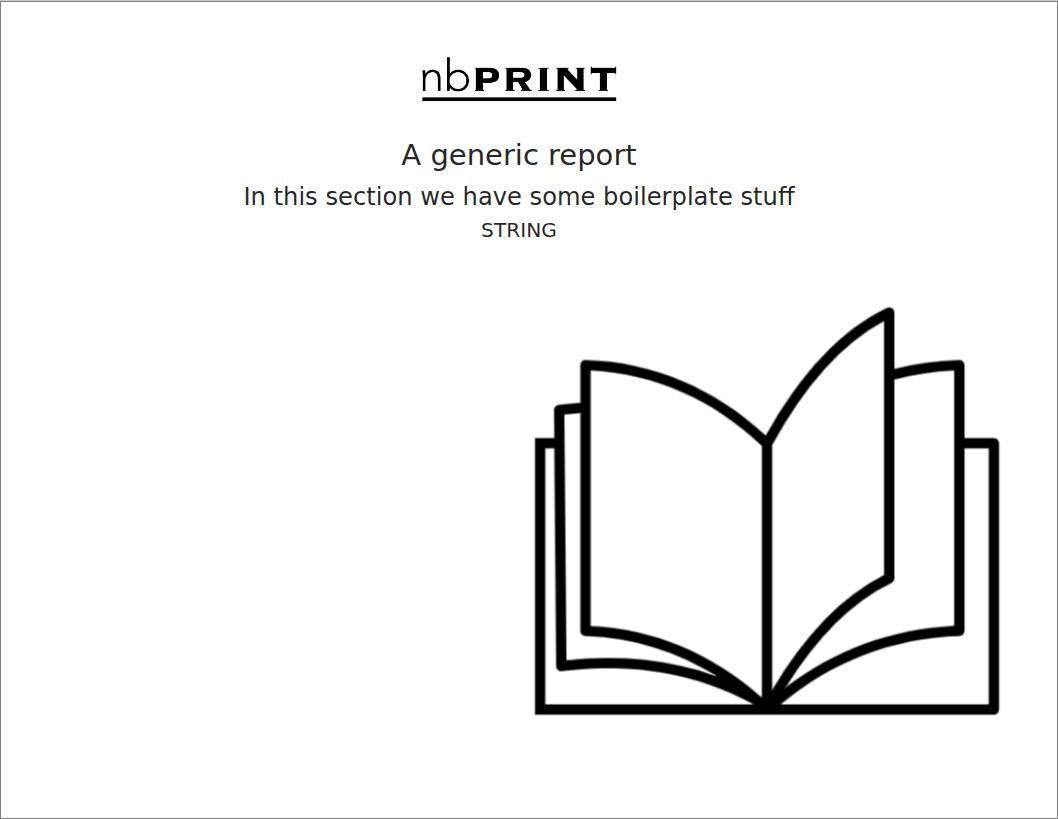
landscape example, first page
landscape: the same report in landscape orientation. source
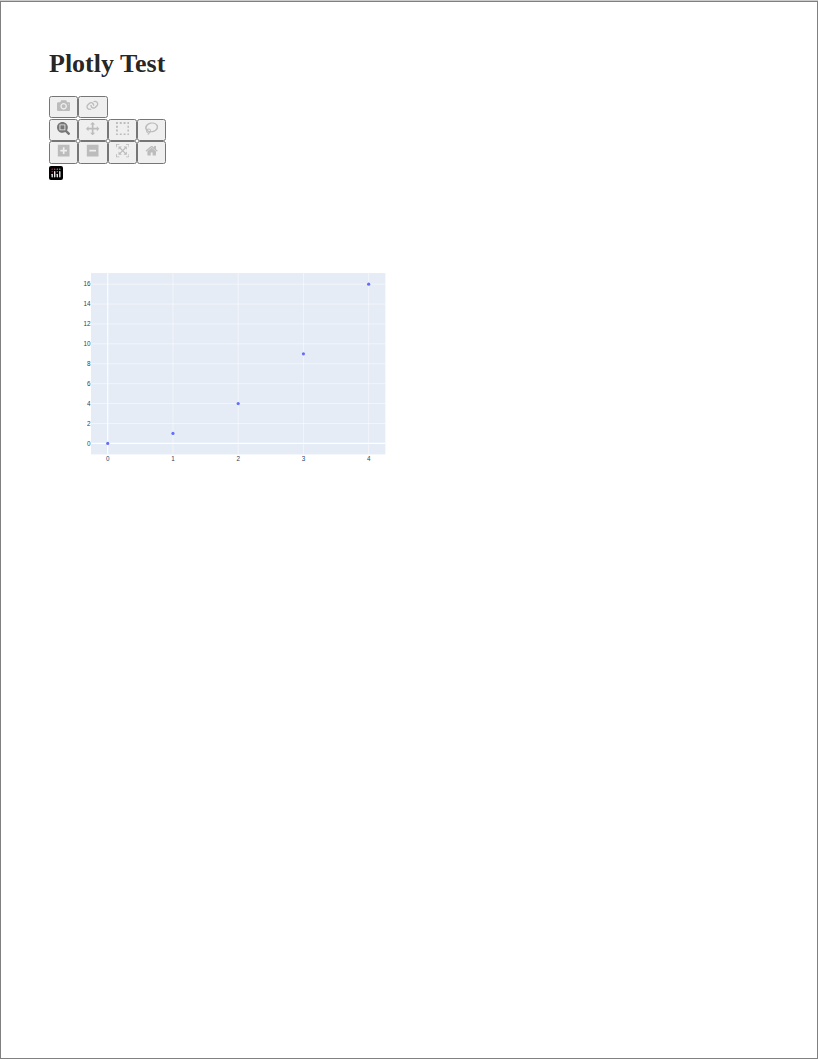
plotly example, first page
plotly: interactive Plotly figures laid out on printed pages. source
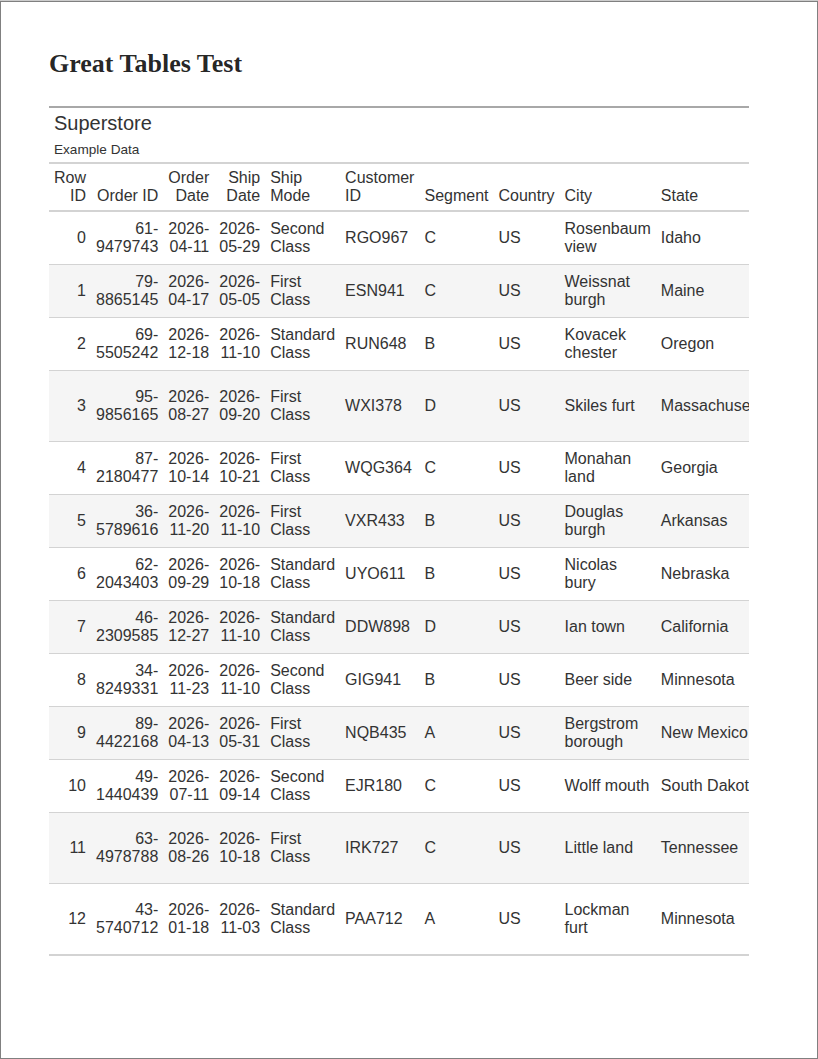
greattables example, first page
greattables: a long great_tables table split across pages. source

Notebook reports

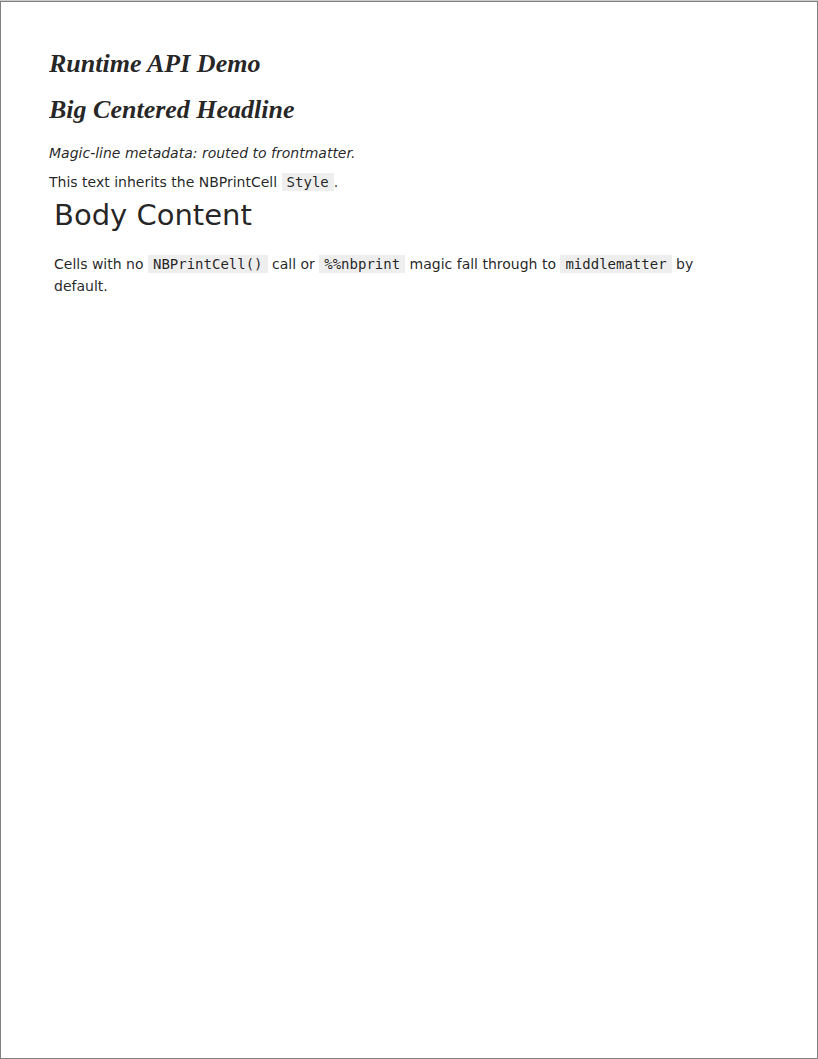
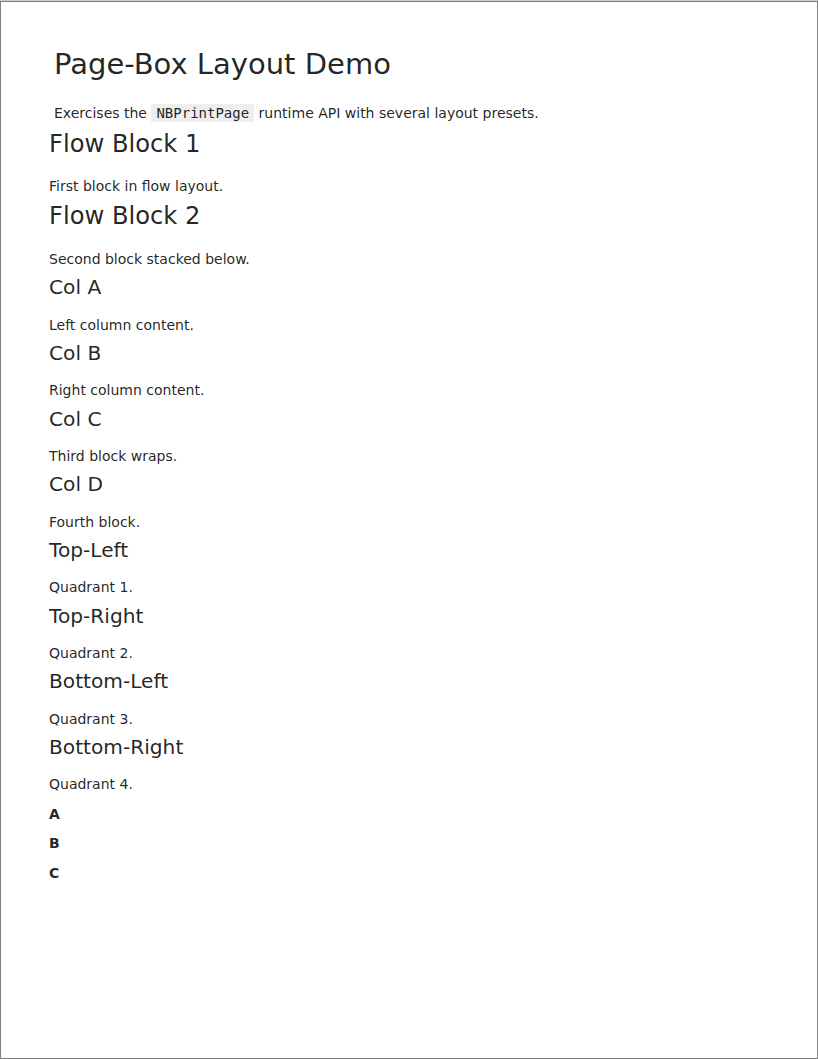
These start from an existing notebook and drive layout from cell tags, cell metadata and the runtime API.
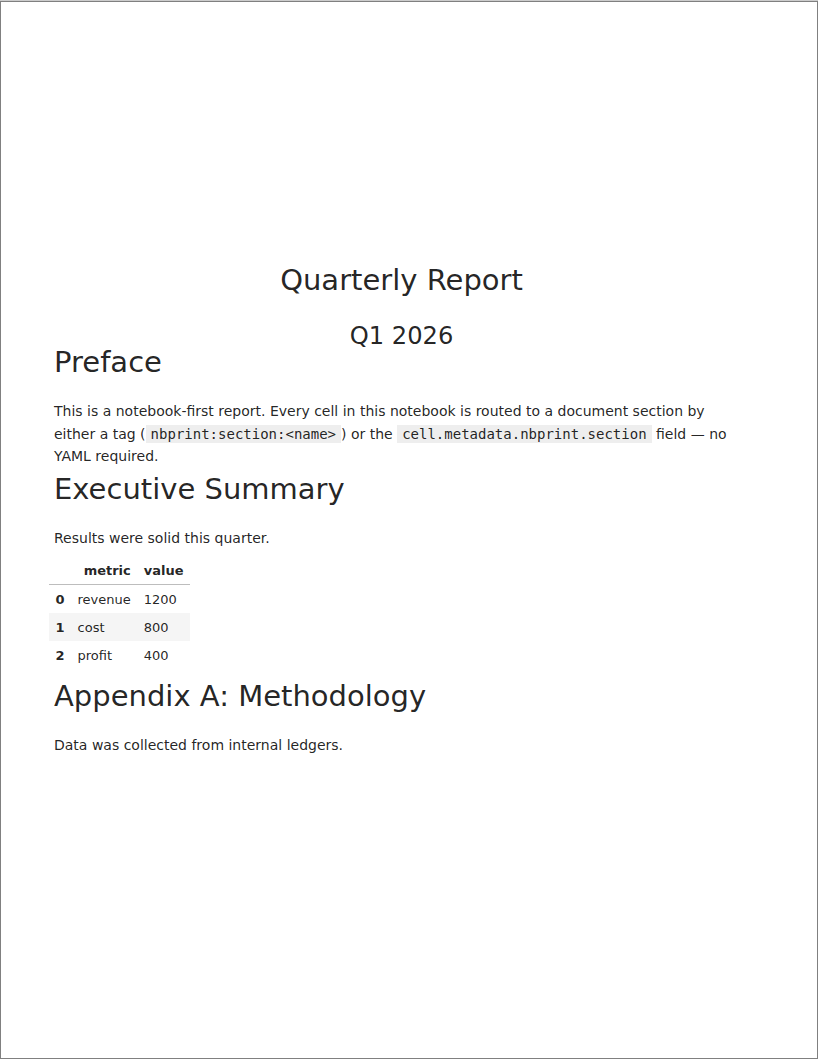
notebook-sections example, first page
notebook-sections: cells routed into sections with tags and metadata. source
notebook-runtime example, first page
notebook-runtime: NBPrintCell and the %%nbprint magic. source
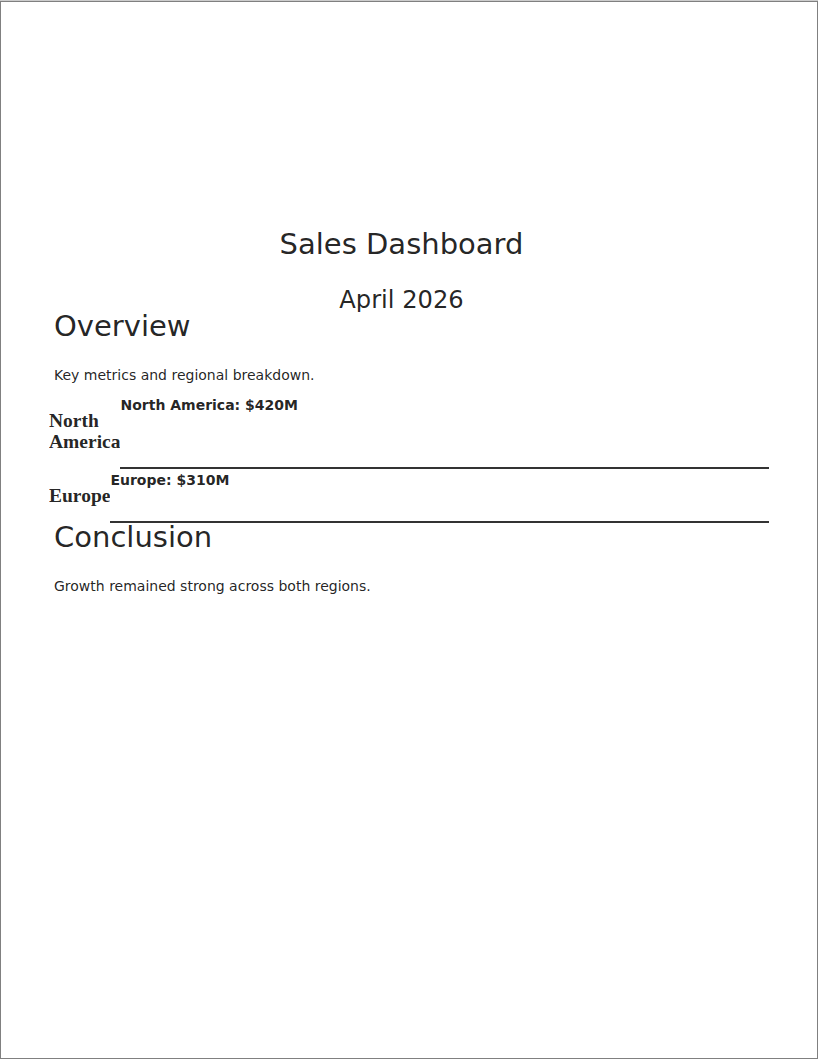
notebook-overlays example, first page
notebook-overlays: formatting overlays applied to ranges of cells. source
notebook-page-boxes example, first page
notebook-page-boxes: NBPrintPage page-box layouts. source

To rebuild the gallery locally, run python docs/gallery.py from the repository root, then yardang build.

Previous Background Next Architecture

© the nbprint authorsCreated using Sphinx 8.2.3.

On this page

  • YAML reports
  • Notebook reports
Edit this page View source
Esc

No results found.